Put your app in front of customers
Release your container app with a working domain and HTTPS. 2server connects the rollout, routing and Cloudflare setup in one workflow.

Take your app from your project to a live domain. Let your coding agent help with setup, then use 2server for releases, HTTPS and traffic rollback on infrastructure you own.
Your VM. Your cloud account. Your app.2srv deploy -f deploy.yaml --applyPin the image digest.
Start the next generation.
Wait for app readiness.
Switch traffic. Verify HTTPS.
A readiness-gated release on infrastructure you own.
From the first launch to the next release.
A repeatable way to run your app.
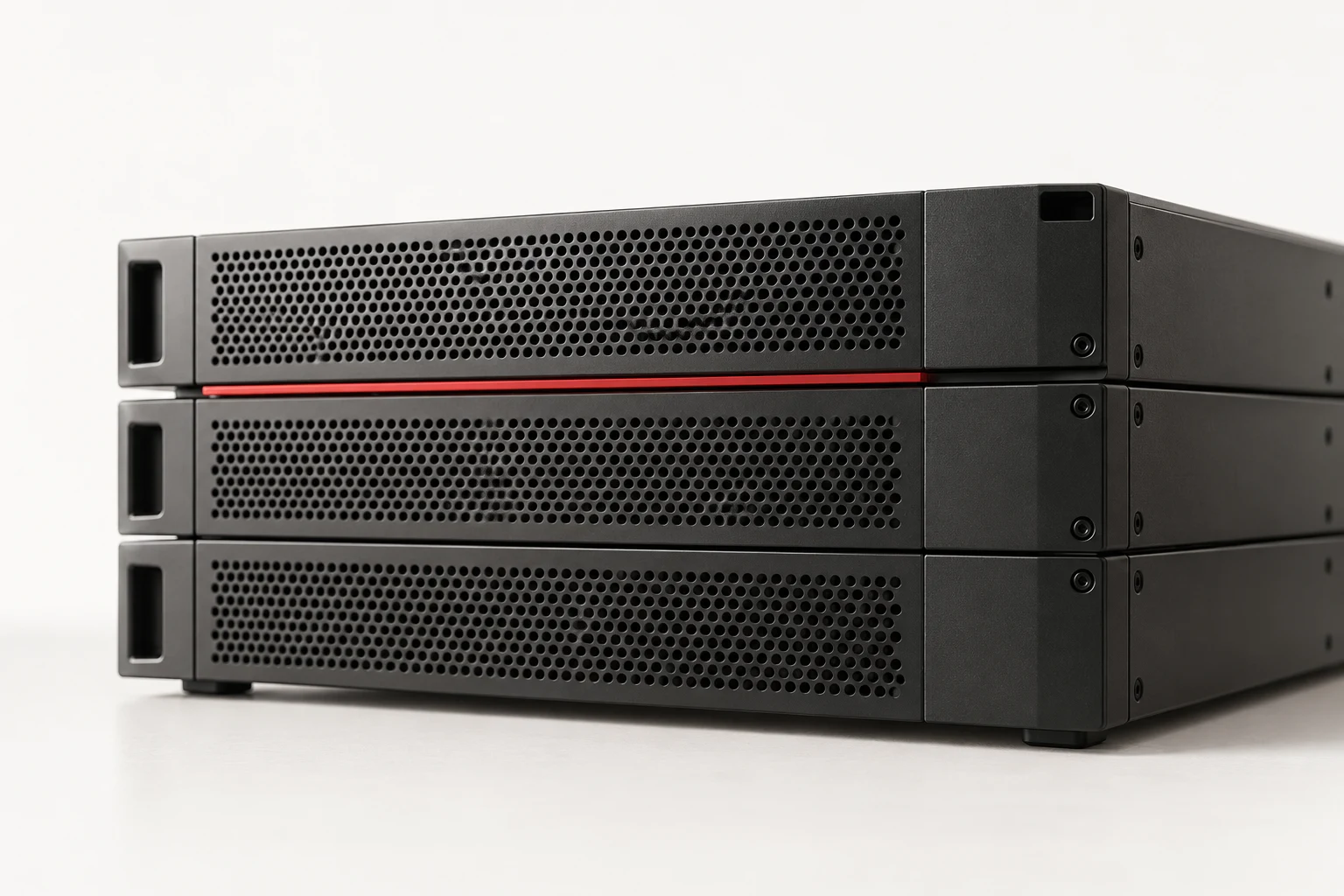
Release your container app with a working domain and HTTPS. 2server connects the rollout, routing and Cloudflare setup in one workflow.
Reuse your app configuration for each release. Readiness checks gate traffic, and you can roll traffic back to the previous generation.
Use your own VM and cloud account. Add PostgreSQL, Redis or monitoring as your app grows, with configuration in your repo and secrets on your server.
Open your project in your coding agent.
Copy this prompt. Let it guide the setup.
Help me deploy this project's app with 2server. Read https://2found.dev/docs/2server.md and explore https://github.com/2found/2server as needed.
Inspect the project, prepare its container image and deployment config, and guide me through any missing setup.
First help me choose: use my existing VM, or provision one with Terraform in my Google Cloud or AWS account. If I have neither, guide me through account setup, billing and login. Explain the proposed resources and costs before creating them.
Then help me connect my domain to Cloudflare and create a scoped API Token with the required permissions. Have me save credentials in a private local file; never ask me to paste secrets into chat.
Validate and plan the deployment, explain what will change, then deploy within the scope I authorize. Verify app readiness and public HTTPS. Report the live URL or the exact remaining blocker without exposing credentials.Use what you already have.
Have a VM? Give your agent the SSH host, username and local key path. Have Google Cloud or AWS? It can prepare Terraform to create a VM in your account. Starting from neither? It will guide account setup, billing and login before provisioning.
You choose the account and review the resources and costs. Your provider bills the cloud resources.
Choose your VM pathLet your agent guide Cloudflare setup.
Add your domain to Cloudflare, activate its nameservers and create a scoped API Token. The guide lists the five permissions for a public app, so you can create the right token on the first try.
Save the token in a private local file and share only its path with the agent.
Create your Cloudflare tokenLaunch a container app on a VM you already have, or provision one on Google Cloud or AWS.
Let your coding agent prepare the deployment while you choose accounts and spending.
Run your app and supporting services together on infrastructure you control.
Keep release configuration in your repo so your team can review and reuse it.